How to Avoid Buffering and Lag While Streaming
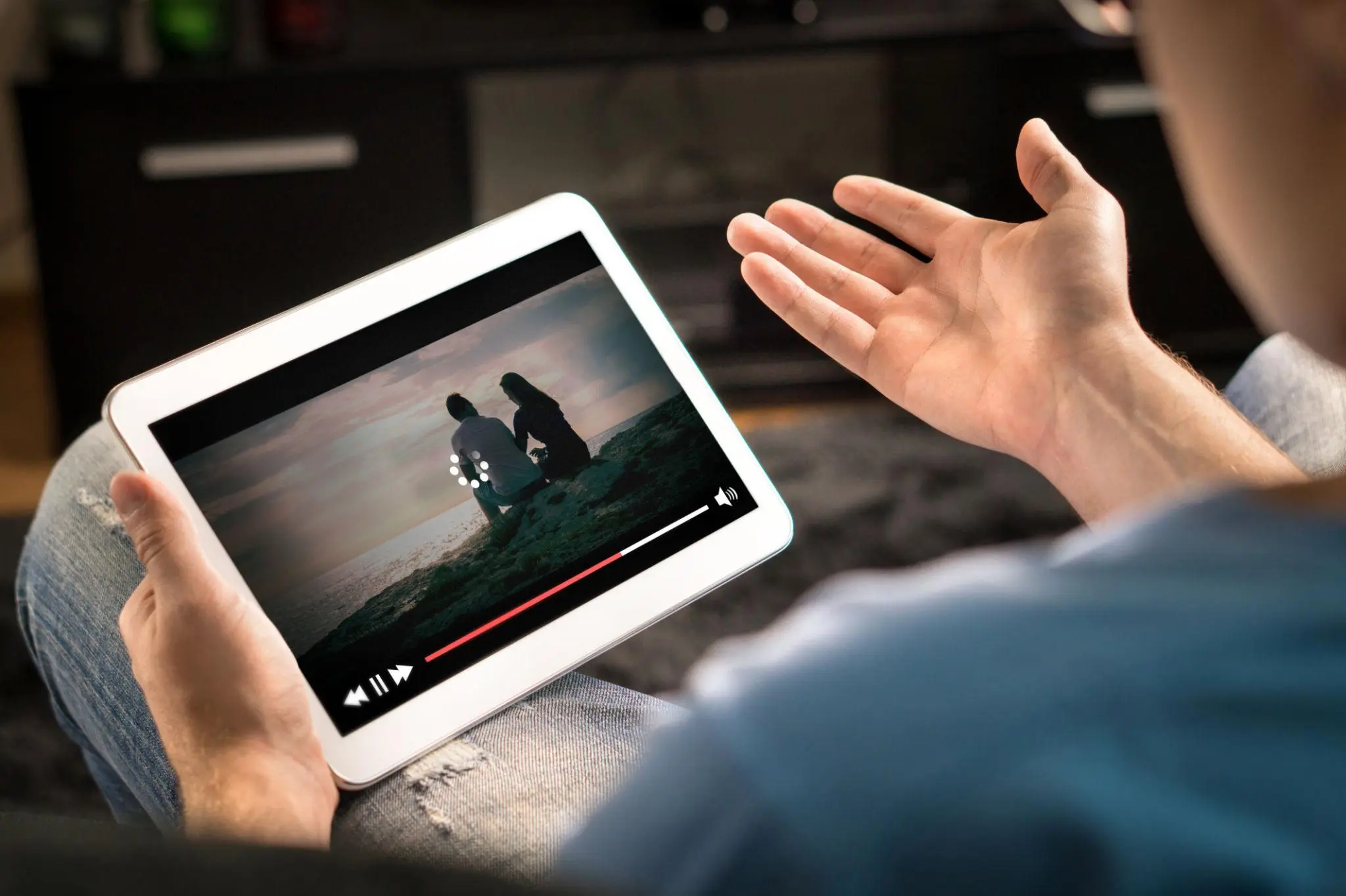
Buffering and lag are among the most common problems in streaming. They can interrupt viewing and reduce overall enjoyment. Fortunately, there are several ways to improve performance and minimize these issues.
Check Your Internet Speed
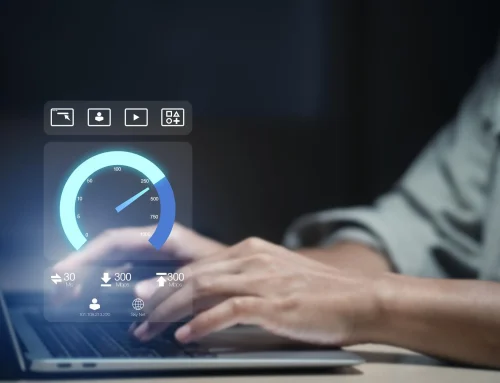
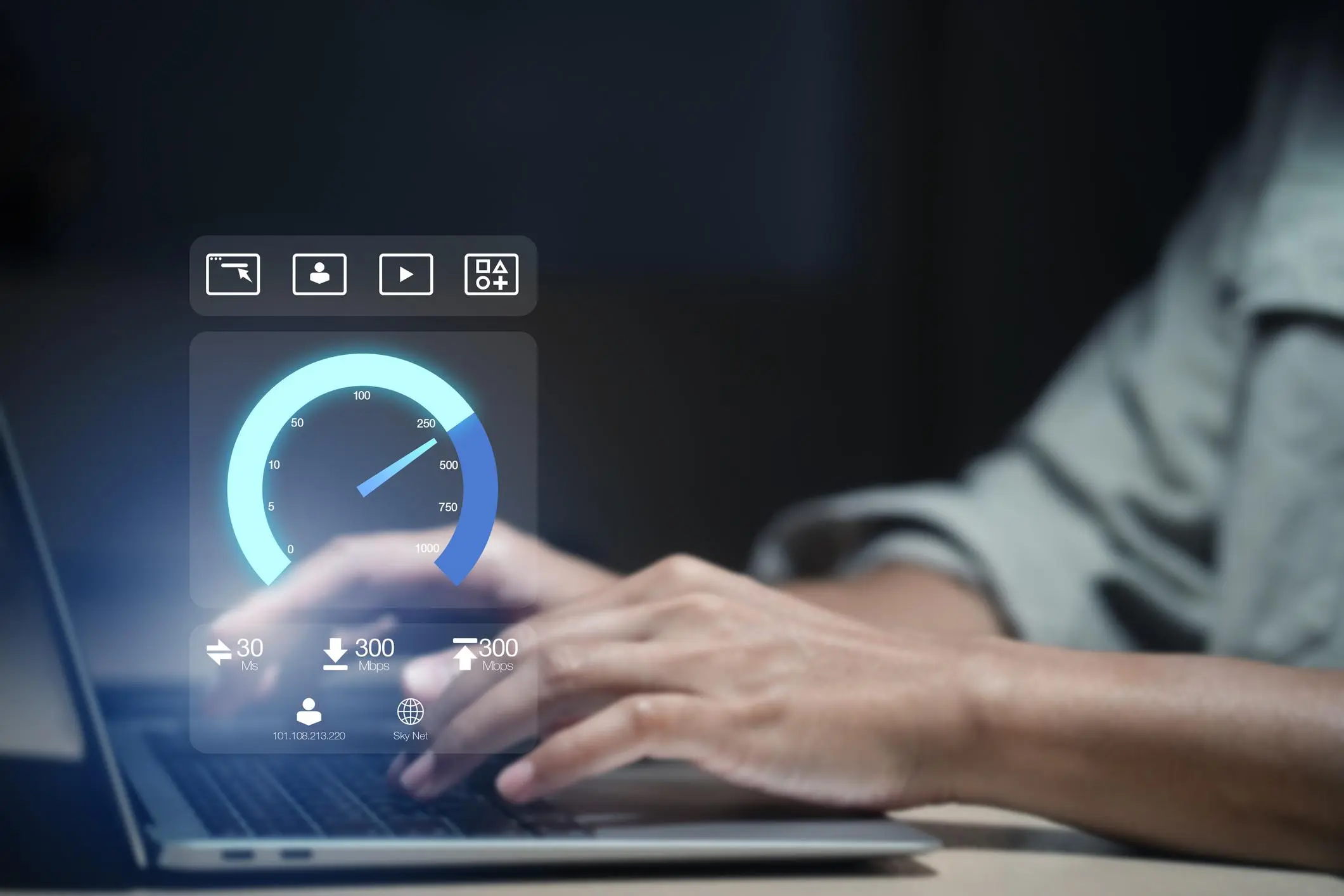
Start by testing your internet connection. If speeds are too low, streaming will not perform well. Upgrading your plan may be necessary for higher-quality viewing.
Use a Wired Connection
Ethernet connections are usually more stable than Wi-Fi. If possible, connect your streaming device directly to the router.
Improve Wi-Fi Signal
- Move closer to the router
- Avoid physical obstacles
- Use a stronger router if needed
Close Background Applications
Other apps or devices using the internet can slow down streaming. Limiting background usage can improve performance.
Restart Devices Regularly
Restarting your router and streaming device can fix temporary issues and improve speed.
Choose a Reliable Service
Some services are more stable than others. If buffering happens frequently, the provider itself may be the issue.
Final Thoughts
Buffering can often be reduced by improving internet speed, optimizing your setup, and choosing a reliable service. Small changes can make a big difference in streaming quality.